Objective
Understand the experience of Pharmacy users in the Health Plan’s care management product. Share insights and recommendations with the product team to help inform features that will improve the experience for these users.
Background
The Health Plan’s care health management product was designed for use by care managers who support members with complex conditions.
Though the user base primarily consists of Care Managers, approximately 50% of the cases managed in the system are worked by Pharmacists. Medication Therapy Management services are crucial to the Health Plan, and can only be provided by credentialed Pharmacist users.
Role
The Pharmacy Product Managers requested my UX research and design expertise to guide their research and develop artifacts to articulate findings to the rest of the product team.
Process
Prior to my involvement, the Pharmacy team had been shadowing Pharmacy users virtually for over a year. They observed users as they outreached to Health Plan members and used their clinical knowledge to help each member manage their medications and ensure that each medication is being taken as directed.
The team had conducted over 25 hours of shadowing sessions and compiled detailed notes on each session, but had not synthesized their findings. The data was still fresh enough to be useful, so rather than start over with new user research sessions, I proposed that we focus our efforts on identifying insights from the existing data.
My challenge was to use provide a process to synthesize this data. For this, I relied on a tried and true Design Thinking method – Affinity Clustering.
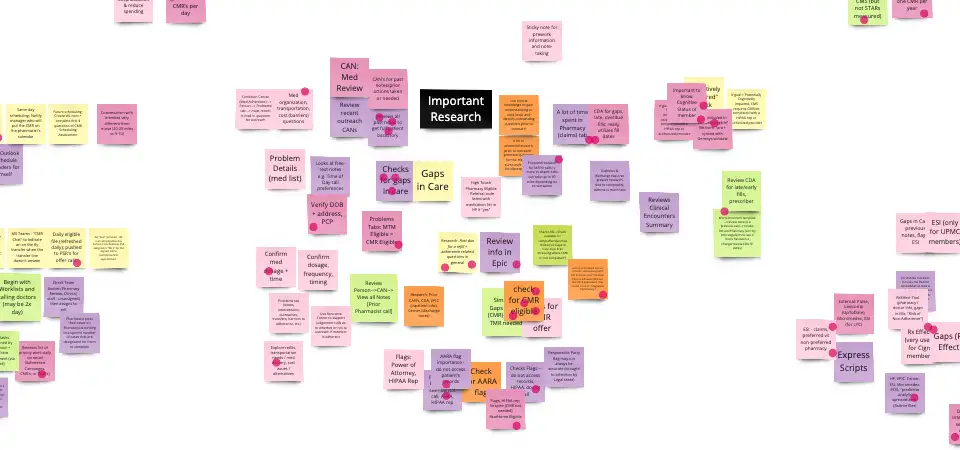
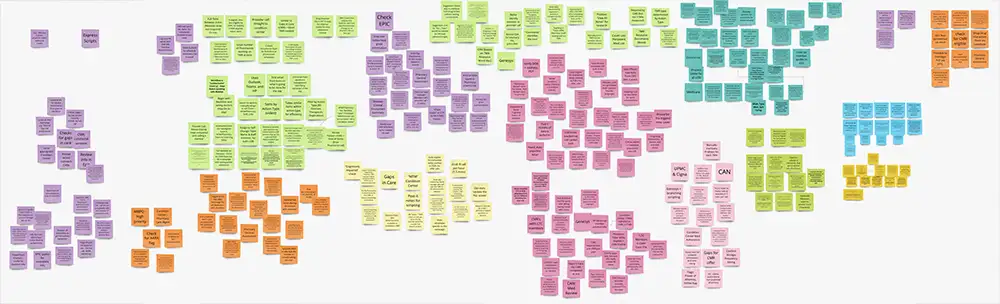
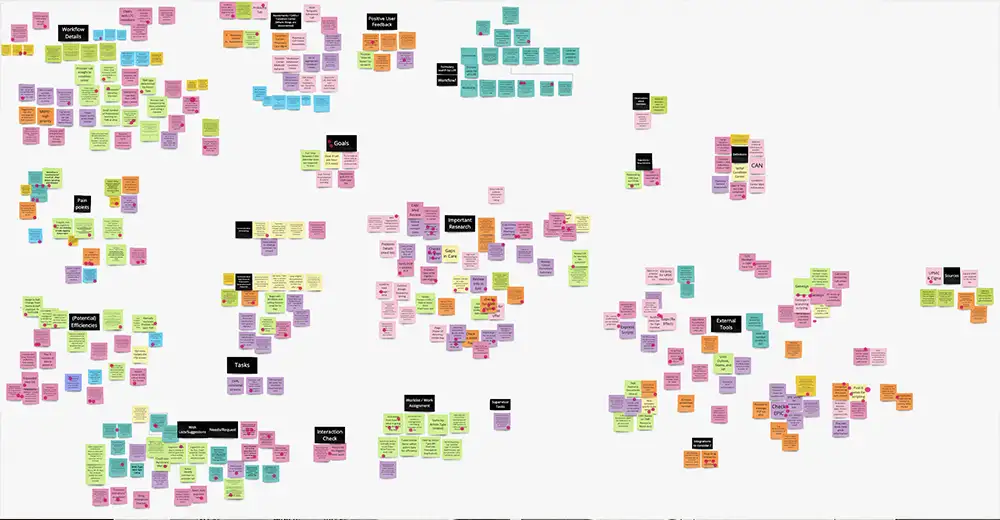
The team placed all of the data on sticky notes in Miro, color coded by the type of work that was shadowed. I then led the team in a series of Affinity Clustering sessions, where we organized the data into topics, then organized the topics into related categories.
The resulting clusters helped draw the data into focus, allowing us to see, for example, how often users had to leave the system to use external tools to complete their work. They moved back and forth between our care management product, hospital charting software, practice charting software and a variety of tools to check for medication side effects and drug-drug interactions, as well as external documents, spreadsheets, calendars and other applications.
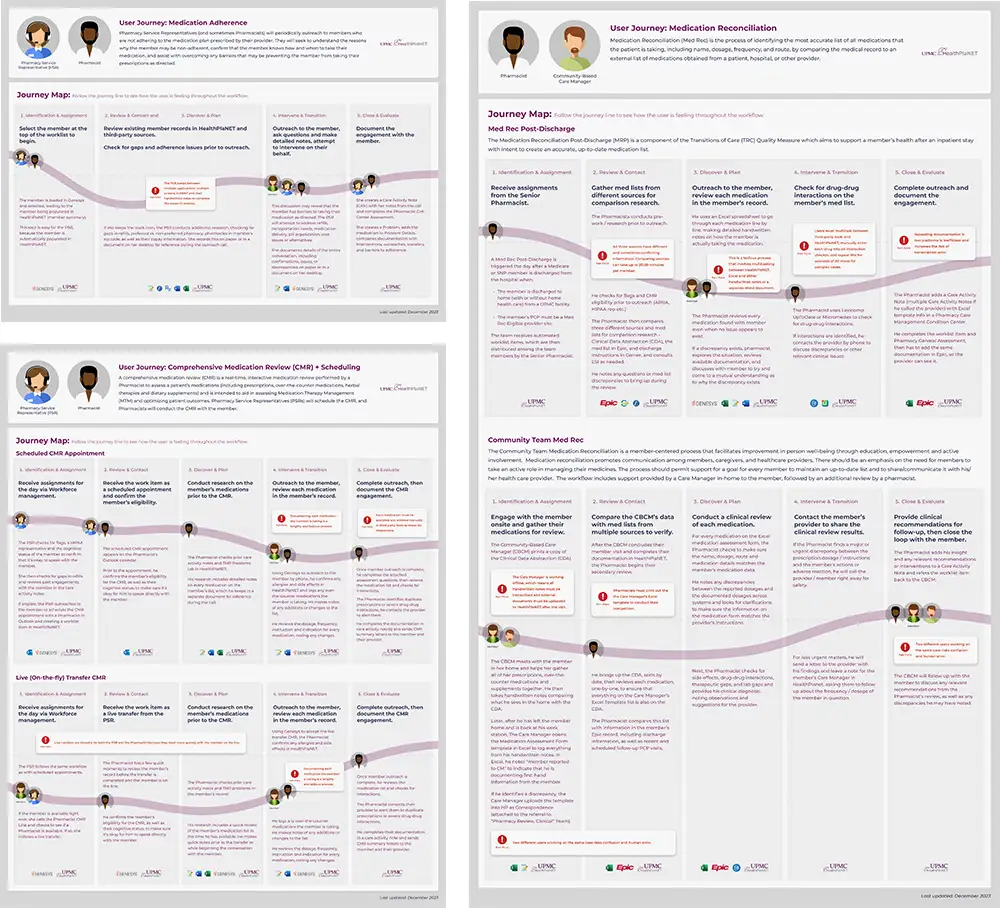
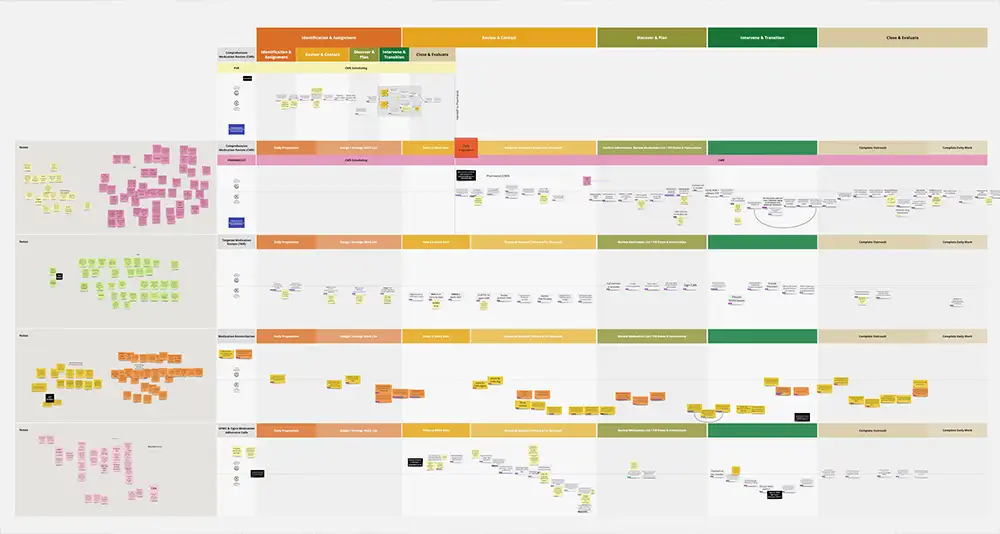
At this point, I introduced the next method in our process – Experience Diagramming. We used the sticky notes from the Affinity Clusters to map four distinct workflows through key stages of the user’s experience and align with predefined stages of the care management workflow. These included:
- Medication Adherence
- Targeted Medication Review
- Comprehensive Medication Review
- Medication Reconciliation
Together, we identified which tools Pharmacy users employ at each stage of the workflows, when they engage with members and how they are feeling throughout the journey.
This method enabled us to identify key points when the user is multitasking too much or trying to remember too much information at one time. These pain points represent opportunities to design solutions that will improve the user’s experience.
Results
I created a series of journey map artifacts, representing each of the four key Pharmacy workflows.
The journeys follow Pharmacists and Pharmacy Service Reps as they conduct Medication Adherence, Targeted Medication Review, Comprehensive Medication Review and Medication Reconciliation calls with members.
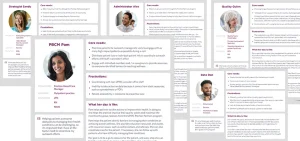
Prior to this project, I had worked with the Pharmacy team to create a series of User Persona artifacts. Each Journey Map includes a description of the workflow and references the User Personas involved. Persona icons indicate handoffs between users, and where the user is on the phone with the member.
Tool icons help visualize the number of tools the user is multitasking with at each phase of the workflow. Pain points are identified where they occur, and the journey line indicates how the user is feeling at each stage of the workflow.
These artifacts were shared with the entire product team to help socialize our findings. This work will prepare the product team to create features to address the unique needs of Pharmacy users.
This project helped me develop a clearer understanding of how to user User Personas and Journey Maps to tell the user’s story, as well as how to leverage research effectively with design artifacts.
Damian took a year’s worth of shadowing notes and used affinity mapping to produce Personas and Journeys Maps for Pharmacy workflows with a lot of input from the Pharmacy team.
Kiran Cherlakola, Sr. Product Manager